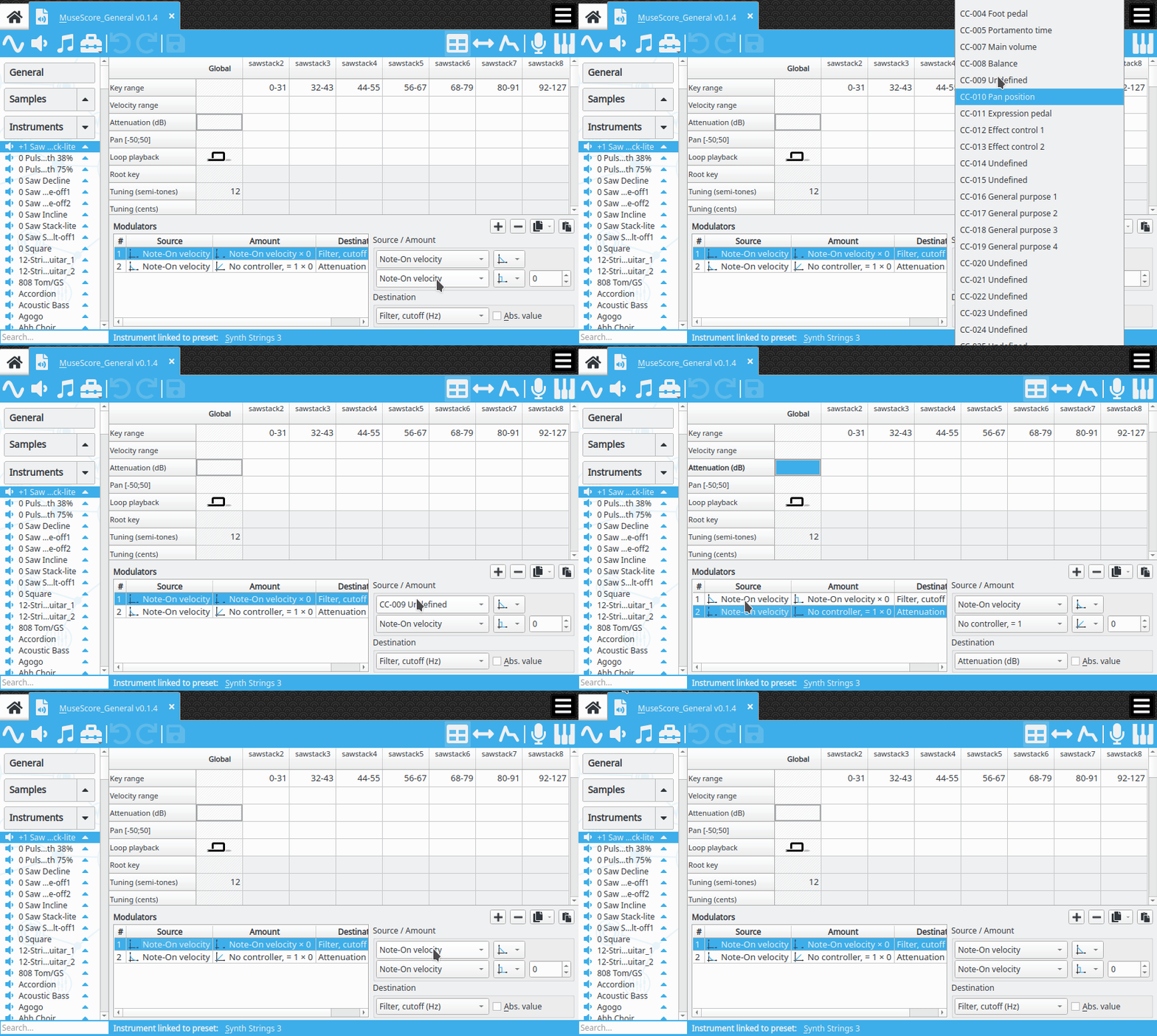
Steps to reproduce: 1. Add a modulator to an instrument. 2. Click on the "source" dropdown and keep the mouse button pressed down. 3. Move the mouse to the desired menu entry, and release the mouse button. Result: You will now see the selected value displayed on the button, but it is not actually applied to the modulator. Selecting a different instrument or modulator in the SoundFont and then going back will repaint the button to show the original value.
Here's a GIF showing this in action:
I am using version 2.0.1 (Bionic .DEB file from website) on KDE neon 5.14 64-bit.