Anmelden
In diesem Forum kommunizieren Menschen aus der ganzen Welt, deshalb werden die Nachrichten auf Englisch ausgetauscht.
Cant export and then import again

  • BA 64 0
    Nachricht von batata004 am
    Hi,

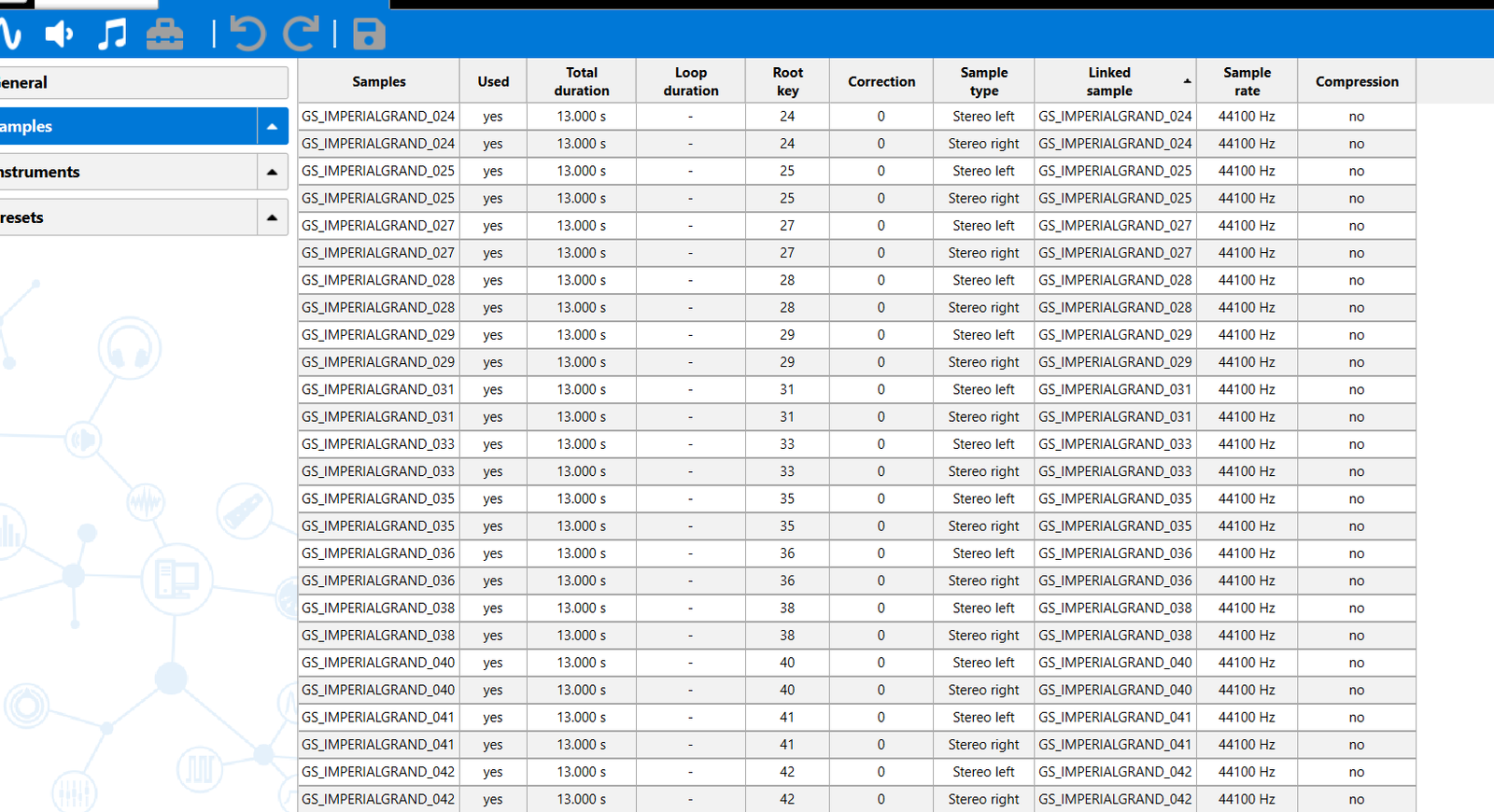
    I have a soundfont in which each sample (L/R) has exactly the same name. For example, the sample for "L" has the name "xxx" and the name for "R" has also the name "xxx". When select that sample and go to "Wav export..." it exports both L and R in a single file, as expected, named "xxx.wav". 

    Then I make changes to that file and I drag it back to Polyphone, but now Polyphone recreates 2 new samples appeding "-L" and "-R" (as usual) and this creates a lot of problems because now I will have to correctly bind this sample to each instrument, and so on. I have hundreds of samples in which i need to do this.

    In the BULK RENAME option I cant find and option to add "-L" and "-R" to the filenames because if there was such option I could execute it, then I could export/import the sample and it would replace correctly the previous one. Or is there a %var that I can use in the replace box to mean -L and -R?

    Thanks a lot, this sofware is a life saver to me!
  • 430 18
    Nachricht von bottrop am
    and what if you do Tools>Global>connect all stereo files?
  • BA 64 0
    Nachricht von batata004 am
    bottrop am -
    and what if you do Tools>Global>connect all stereo files?
    I think your answer is exactly what I am looking for but I cant find this option " connect all stereo files? "! I tried searching for it in the Settings, clicking the tools button on a sample... 
  • 430 18
    Nachricht von bottrop am 1
    because my eyes are not good enough for the newer versions i still work in 1.9, it is there in the toolbox.
    in 2.6 maybe it is in the Sample section, i cant find my way in that shitty app, designed for telephones.
  • BA 64 0
    Nachricht von batata004 am
    bottrop am -
    because my eyes are not good enough for the newer versions i still work in 1.9, it is there in the toolbox.
    in 2.6 maybe it is in the Sample section, i cant find my way in that shitty app, designed for telephones.
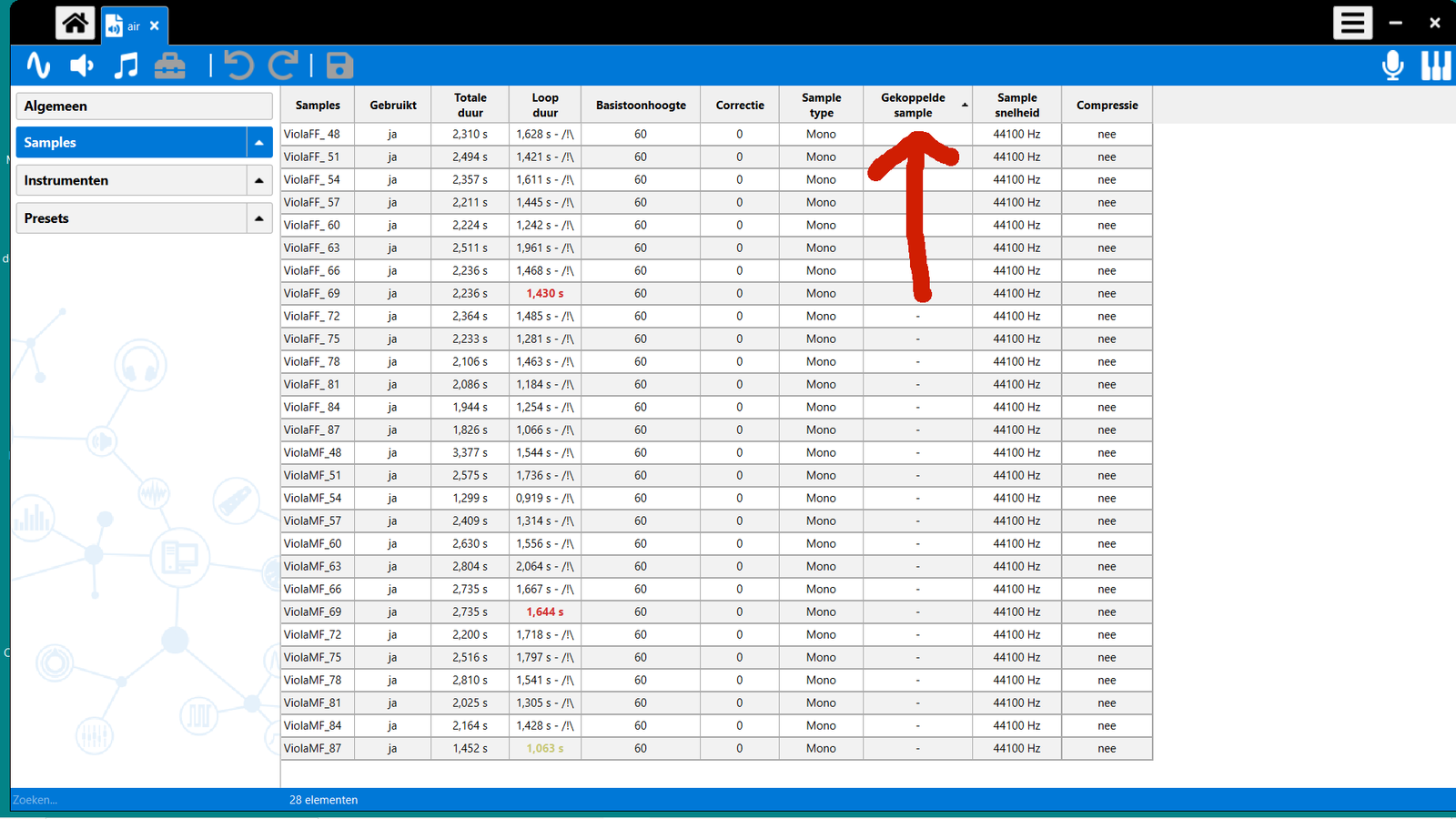
    Thank you so much, now I can see the red arrow you told me. I attached you my print screen, but I cant find the option " connect all stereo files "!
  • 430 18
    Nachricht von bottrop am
    like i said before; i cant work in 2.6. 
    in the Samples folder select all your samples and click the Toolbox, there are some options for stereo samples, in think.
    regards

Melden Sie sich an oder registrieren Sie sich, um an den Diskussionen teilzunehmen.

Polyphone braucht Sie!

Polyphone ist kostenlos, aber die Website und die Entwicklung verursachen Kosten. Eine kleine Spende hilft sehr.

Spenden
Die Grundlagen lernen Ein Tutorial ausprobieren
Nach
oben